
How to connect an Ubuntu player to Wi-Fi
Publisert: 16th December 2025 (Oppdatert: 16th December 2025)

Startup
Hardware
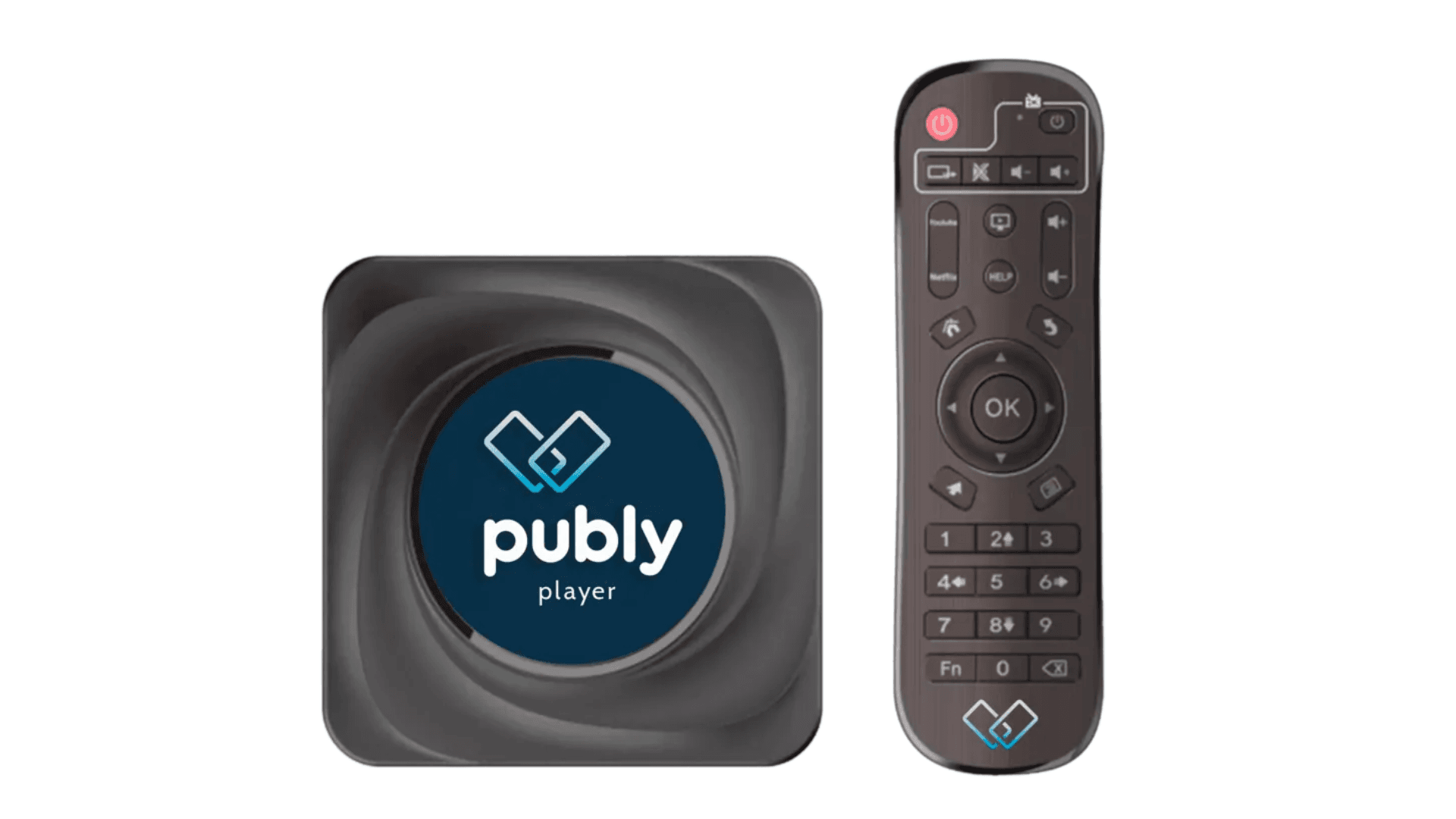
If you have received a player from us that runs Ubuntu, you must connect it to Wi-Fi. This requires the use of a keyboard and a mouse with a USB connection (not Bluetooth).
After connecting the player to power and a screen, and mounting antennas if the player has an external antenna, follow these steps.
If the player is not connected to the network, the following message will be displayed:

Press the Windows button on your keyboard to open this interface:

Once you are in this interface, tap the arrow in the top right corner of the screen.
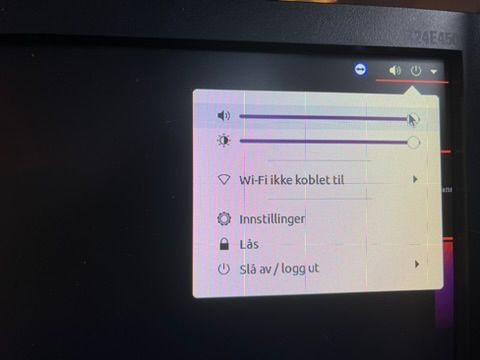
You will now see a box with several options. Select “Wi-Fi ikke tilkoblet.”

Then click “Velg nettverk.” This will open a list of available networks.
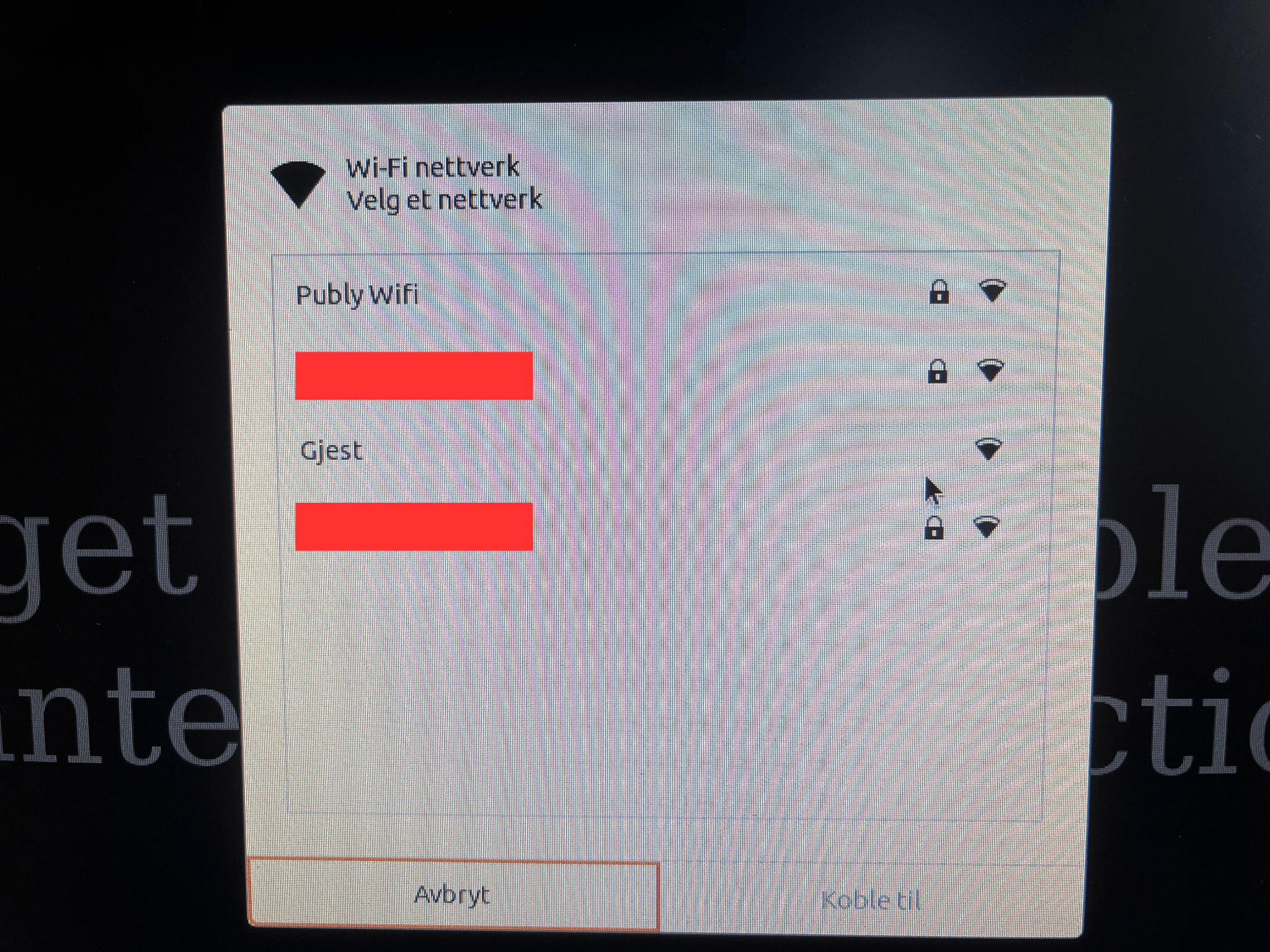
Choose your network and then click “Koble til” Once this is done, the device will be connected to the network. To return to the default Publy view, you can either press the Windows key and select Firefox, or restart the device.
If everything is configured correctly, you will see a 4-digit code on the screen.
Please feel free to contact us by email at [email protected] or call us at +47 47 66 33 33 if you need help with the setup.