Setting up the Publy Player
Publisert: 5th September 2023 (Oppdatert: 16th December 2025)
Startup
Android
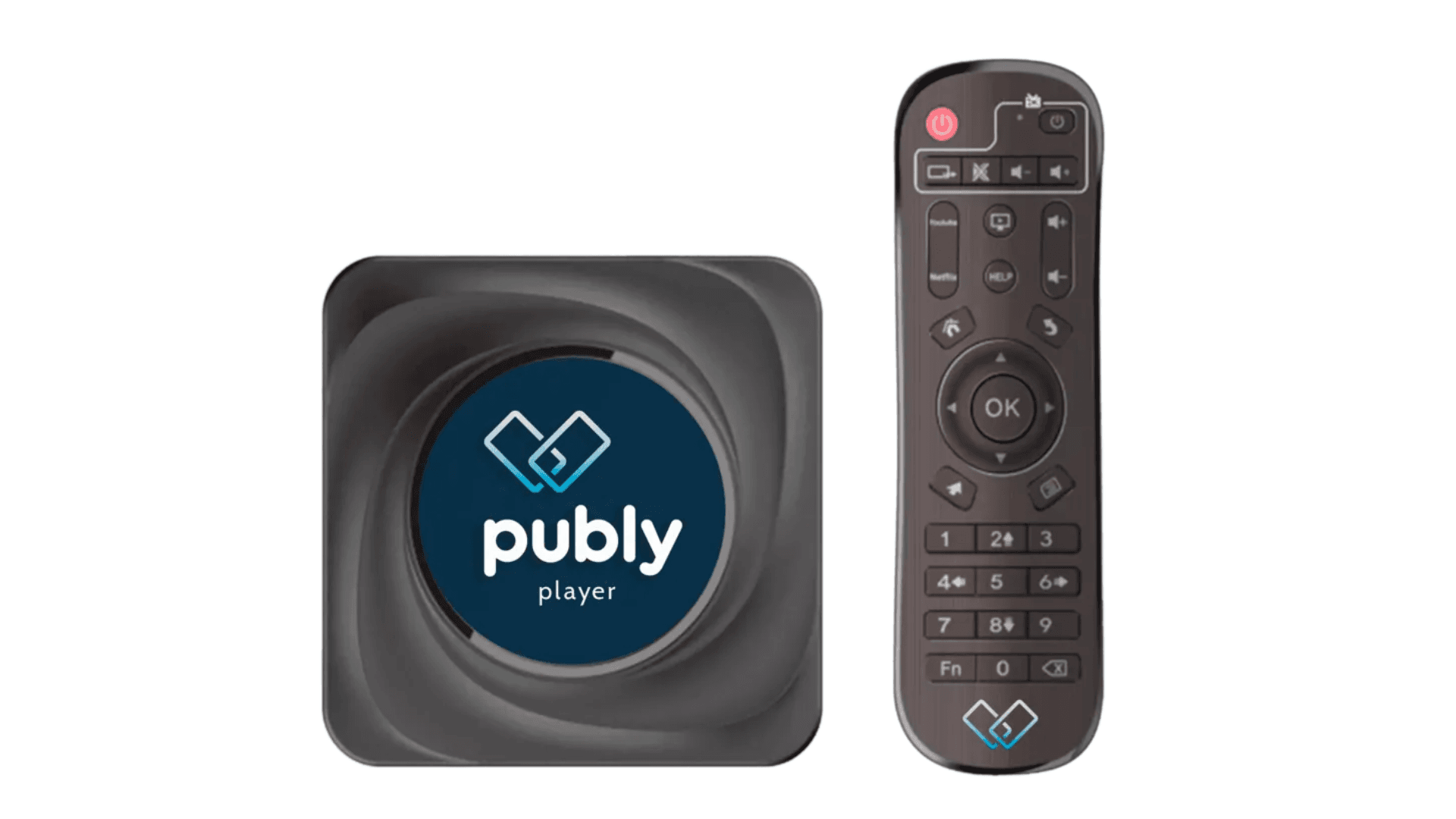
Setting up the Publy Player Here are some steps you need to take to activate the player:
- Plug in power (Use USB to USB if power is not available)
- Connect HDMI to the screen
- Connect the network cable or find the correct Wi-Fi network
- Power on the screen
If the player is connected with a cable, Publy will start automatically at startup.
If you have no cable connected, you must do this in the menu when the screen has started and reached the startup image.
Select "Settings" and navigate to "Wi-Fi/Internet" – connect to the desired network.
Press and hold the power button on the remote control, then select "Start screen" again.
When a four-digit code appears on the screen, please call our support, and we will assist in connecting the screen.
If you encounter any challenges that you need help with, please don't hesitate to contact us during the setup.
Phone support: +47 66 33 33 or send us an email at [email protected].